
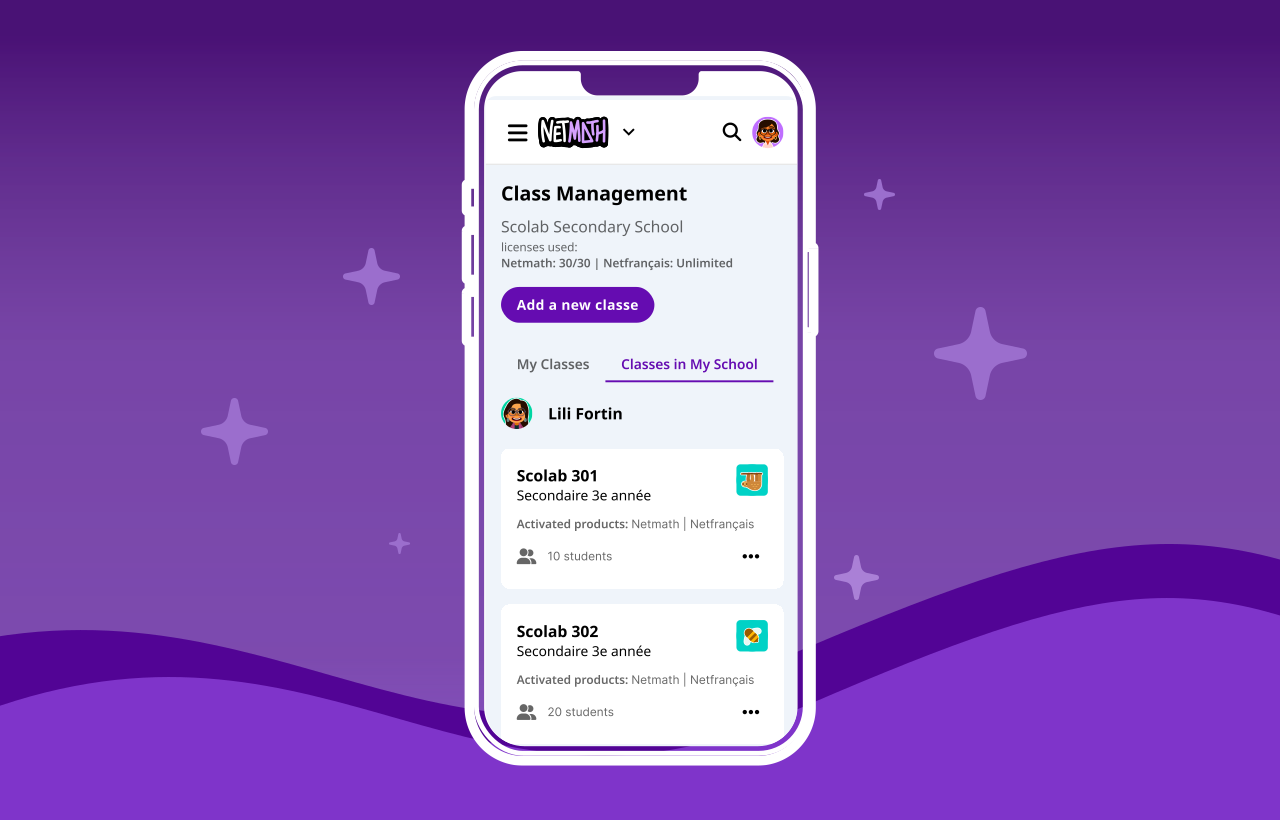
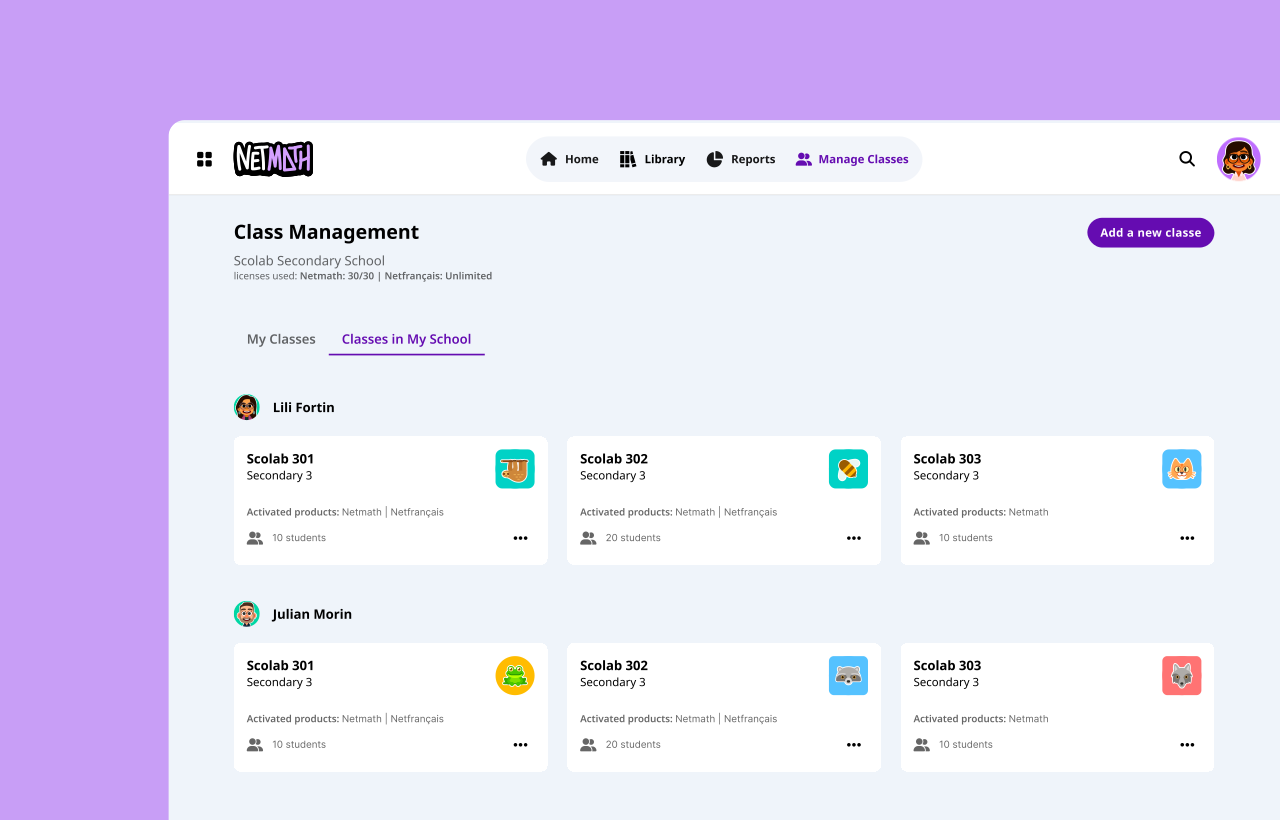
With Netmath's expansion into high school, where students have multiple teachers, I had to adapt the platform to allow teachers to create classes more easily, add existing students without creating new accounts, add teachers to the same class, and consequently add other subjects (products).
Adding a New Class
The original class creation flow was very complex, requiring several steps. To simplify the experience, I removed the “add a teacher” step from class creation. In the new class creation flow, teachers only need to enter a name, select a grade, and choose at least one product. The system assigns a random “avatar” to the class, which can be changed later in the “Modify the class” dialog.

Adding Students
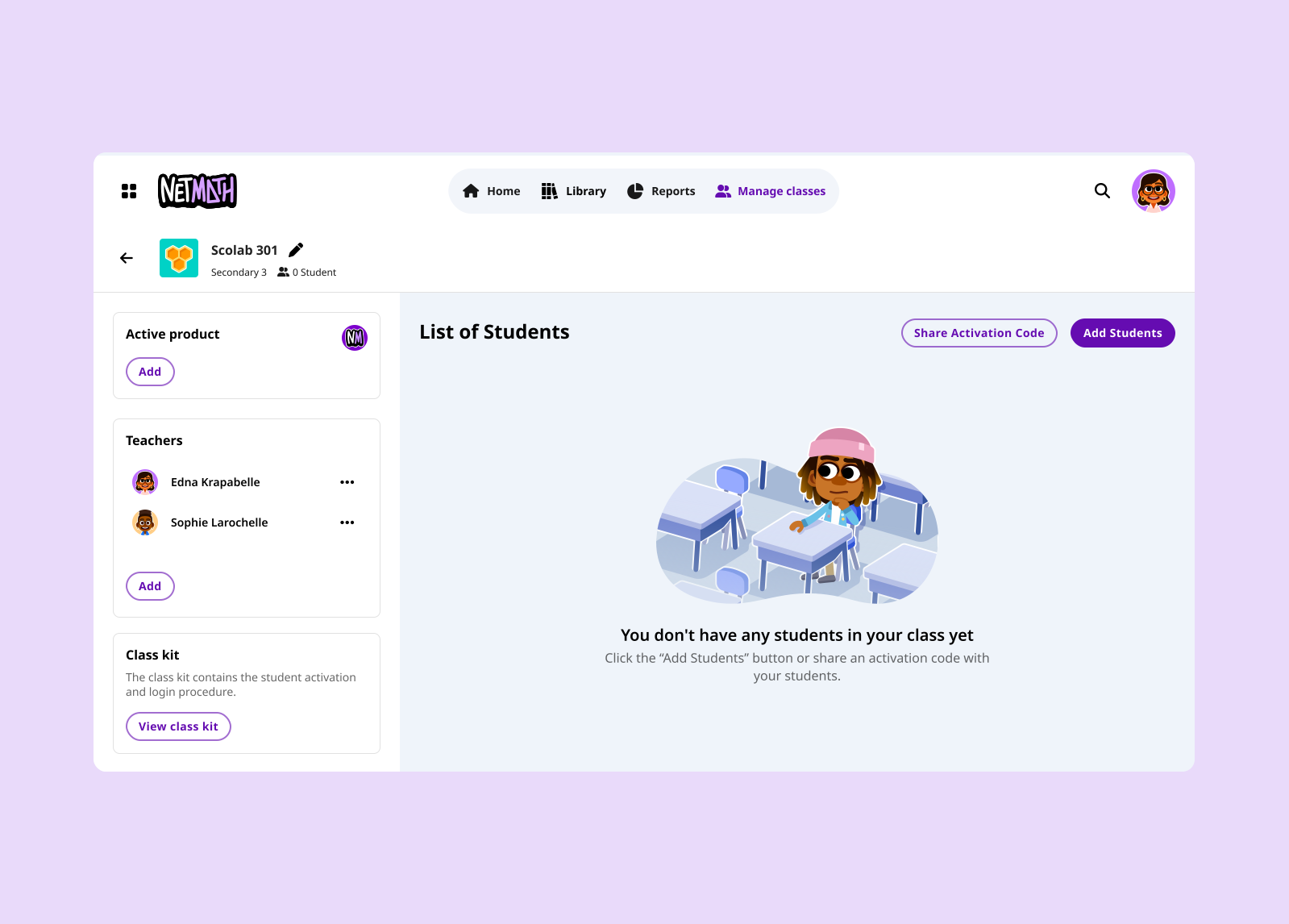
Previously, teachers had to click the “+” button to add each new student. In the new interface, teachers can add as many students as needed by clicking just once on the “Add students” button. This has reduced the number of clicks by around 30. They can also copy and paste the list of students directly from an Excel spreadsheet. If a student's account already exists, the system recognizes the email address and automatically fills in the other fields. Teachers cannot change existing passwords.

Adding Teachers
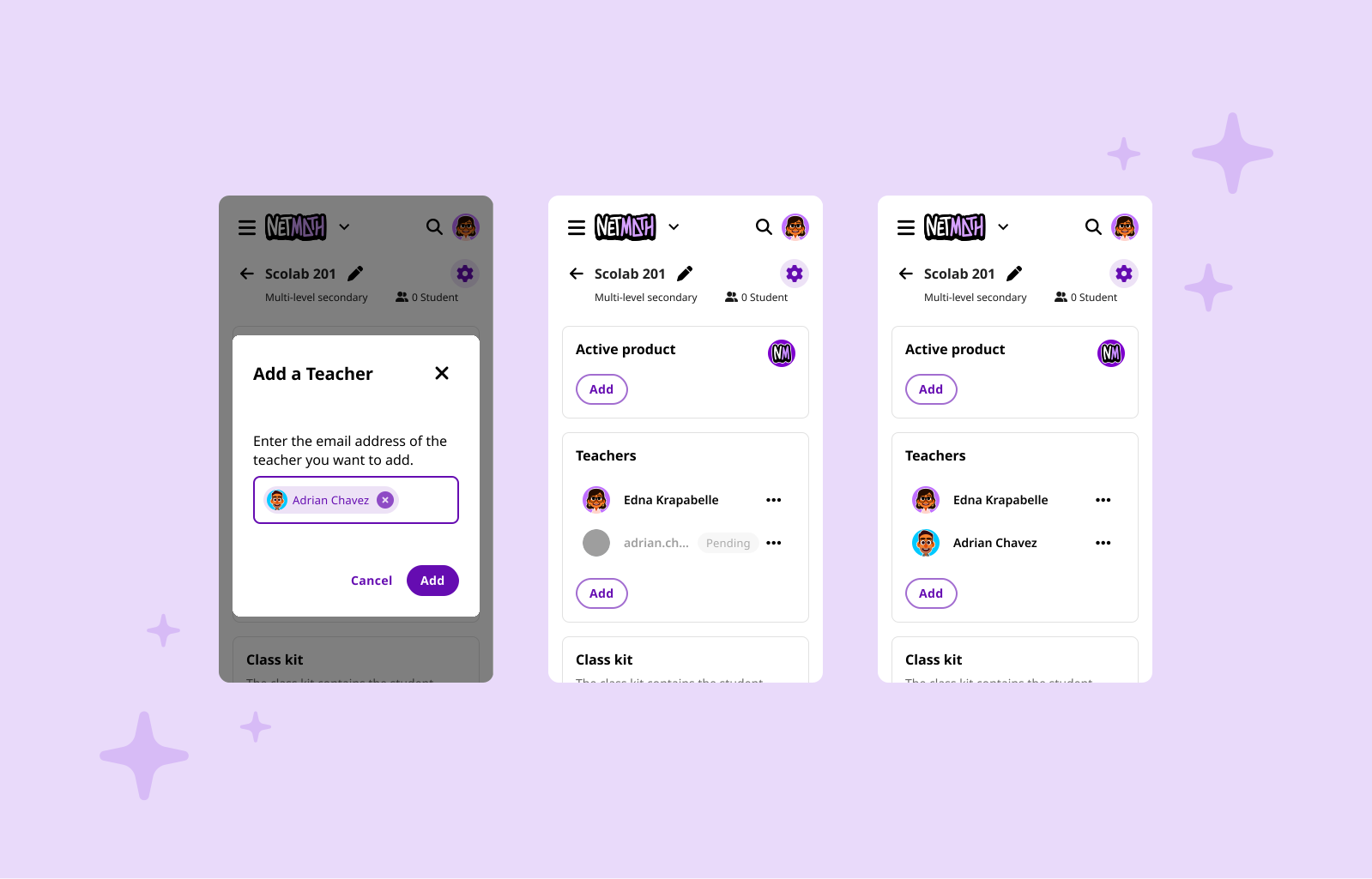
Since the option to add more teachers was excluded from the class creation stage, an “Add” button was added just below the list of teachers that appears in the sidebar of the class page. Teachers with existing accounts can be assigned immediately, while those without accounts will receive an email invitation and will appear in the list as inactive until registration is complete.

Adding Products
In addition to adding teachers to the class, it is also possible to add a second subject (Netfrançais). Once added, the product cannot be removed due to billing requirements.

The new Class Management feature has become a pillar of Netmath's growth strategy, paving the way for expansion into high school. Upon its launch in 2025, the platform saw remarkable adoption: more than 15,000 classes created, over 12,000 teachers registered, and more than 302,000 students added to the Netmath platform.
For me, as the responsible UX/UI designer, this project was an opportunity to expand my knowledge on how to solve various pain points in a single, modern interface.
Next projects.
(2025-26©)


